Vault CMS: Use Obsidian To Write Astro Blog Posts
What is Vault CMS?
Vault CMS is an open-source headless content management system that turns Obsidian into a publishing platform for Astro.
It’s injectable into any Astro theme. Install with CLI or by cloning on GitHub.
Set Up Instructions
It’s as simple as running pnpm create vault-cms in the root of your Astro project. Then it’s just a matter of opening your install directory as an Obsidian vault. The wizard walks you through the rest.
This video goes over exactly how to get started and set it up initially.
6 Months In The Making
This has been an effort since August of last year, and it’s finally ready to show off. I hinted at it with the Astro Suite for Obsidian blog post, but it was in a much earlier state then.
I’m excited to talk more about it in-depth, but for now I’ll just publish this post as a stub.
In the meantime, check out the dedicated Vault CMS Documentation and explore all it has to offer.
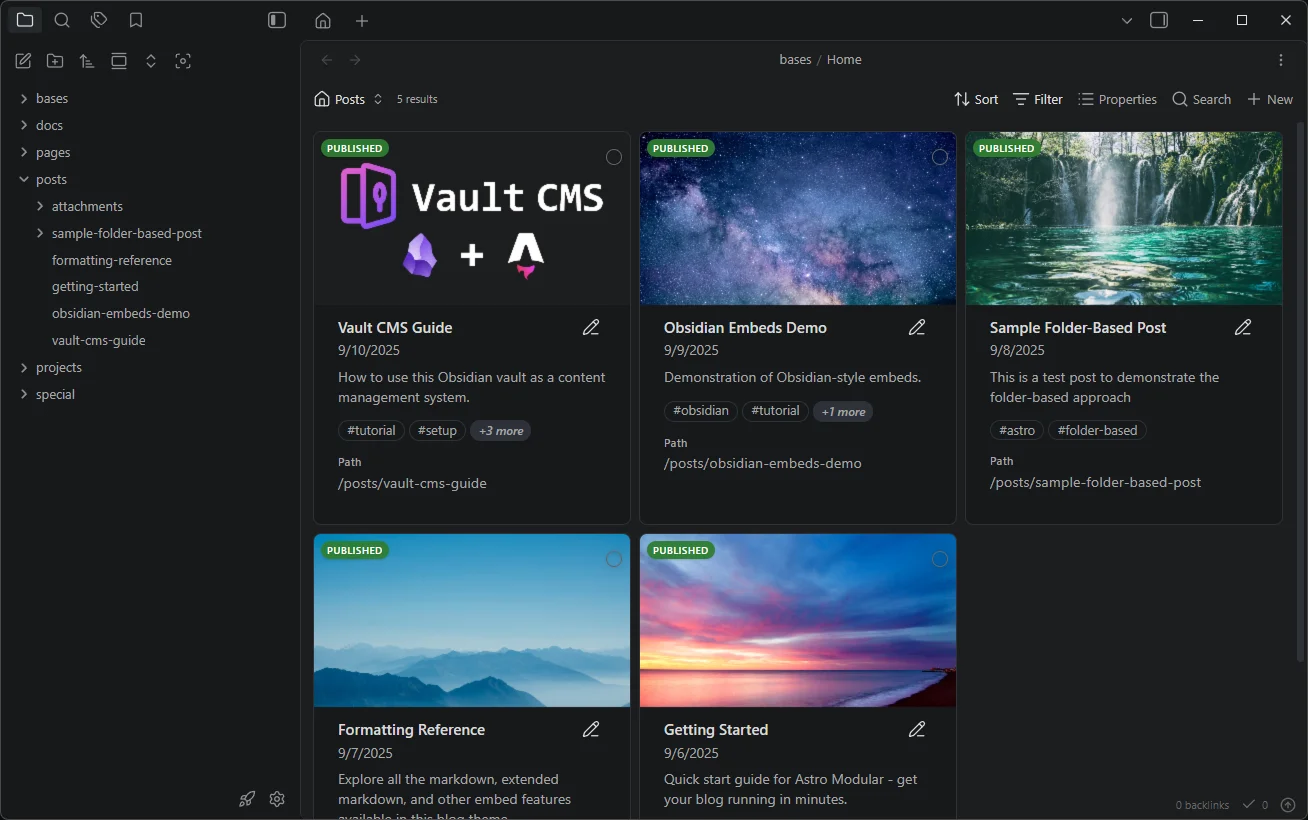
Obsidian as a CMS
Here’s an example of what it looks like, using the Home.base view.