Cool Minimal Astro Blog Themes
What is Astro?
Astro is a web framework for markdown-based websites and blogs. I enjoy using it, especially when paired with Obsidian for drafting site content.
Previously, I use a tweaked version of Fuwari for davidvkimball.com, and have been for just over a year now (when this post was originally written). However I’m considering switching to a more minimal theme (which I have!), so here are the ones I’m looking at.
Each theme is open source, so I’ll link to a live demo of the theme along with a link to the GitHub repository. And of course, they each have a light and dark theme.
Zaduma
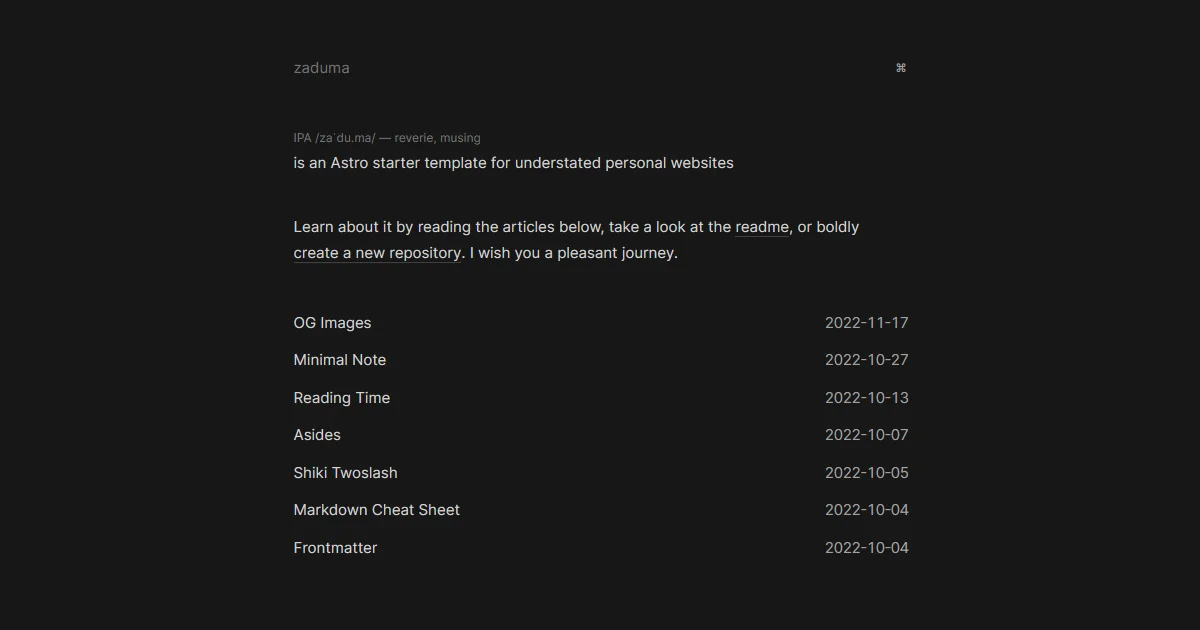
I love its understated design, but something that really stands out is this command button on the top right.
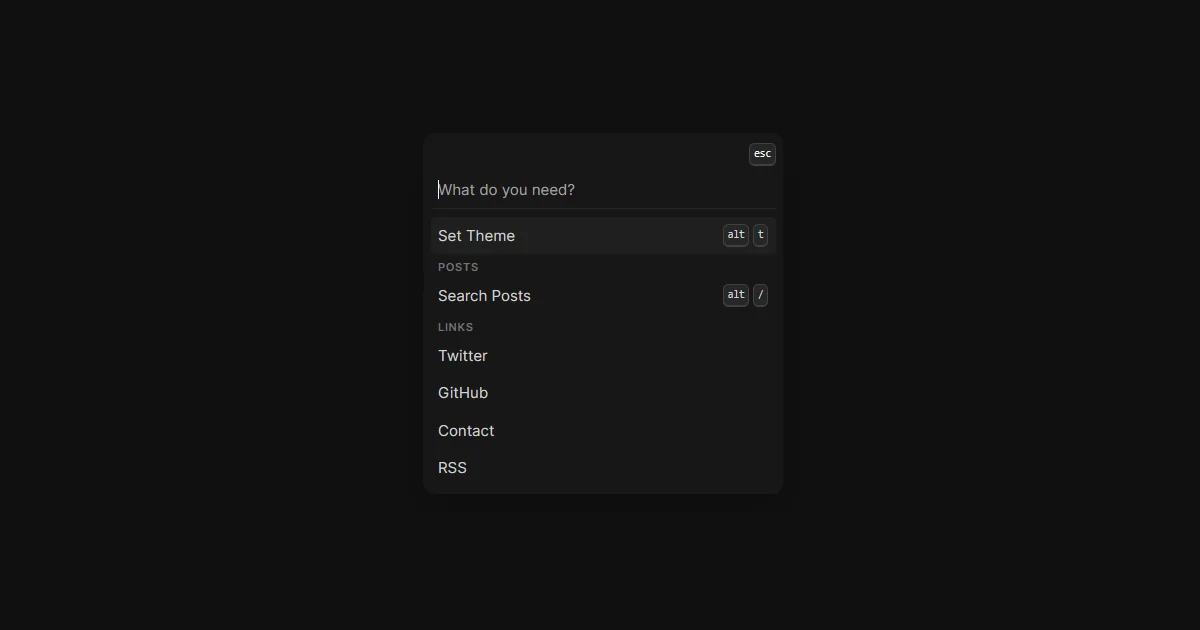
With it you can toggle the site’s theme with a keyboard shortcut or quickly search through posts. I really like it and would love to think of way to implement something like this on my own site.
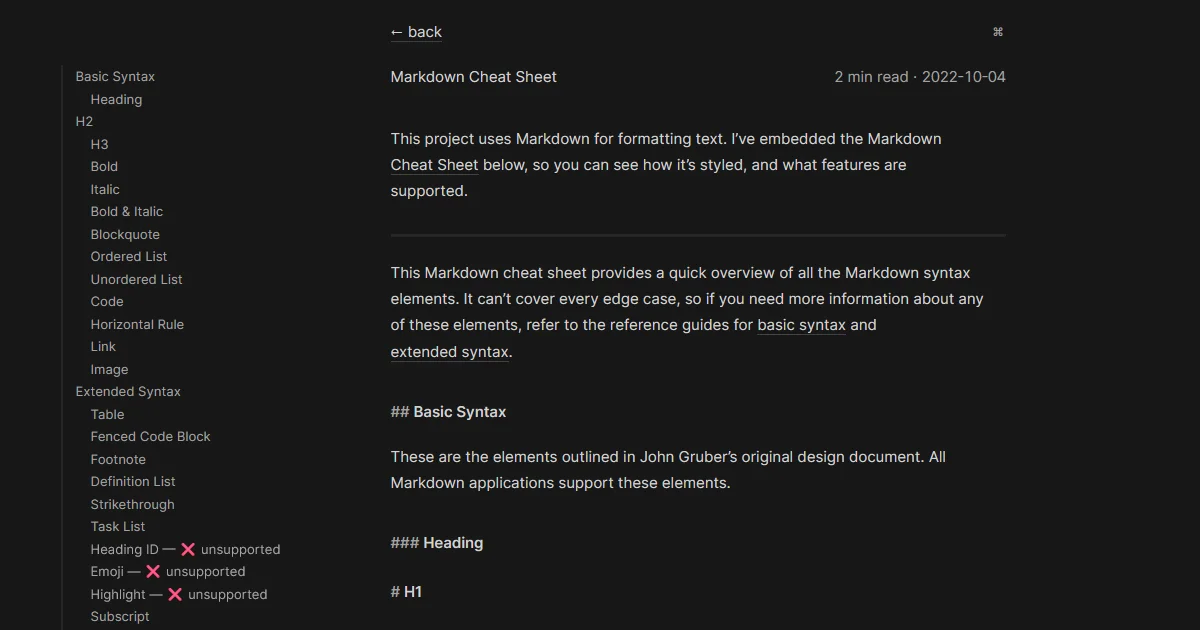
Astro Modular
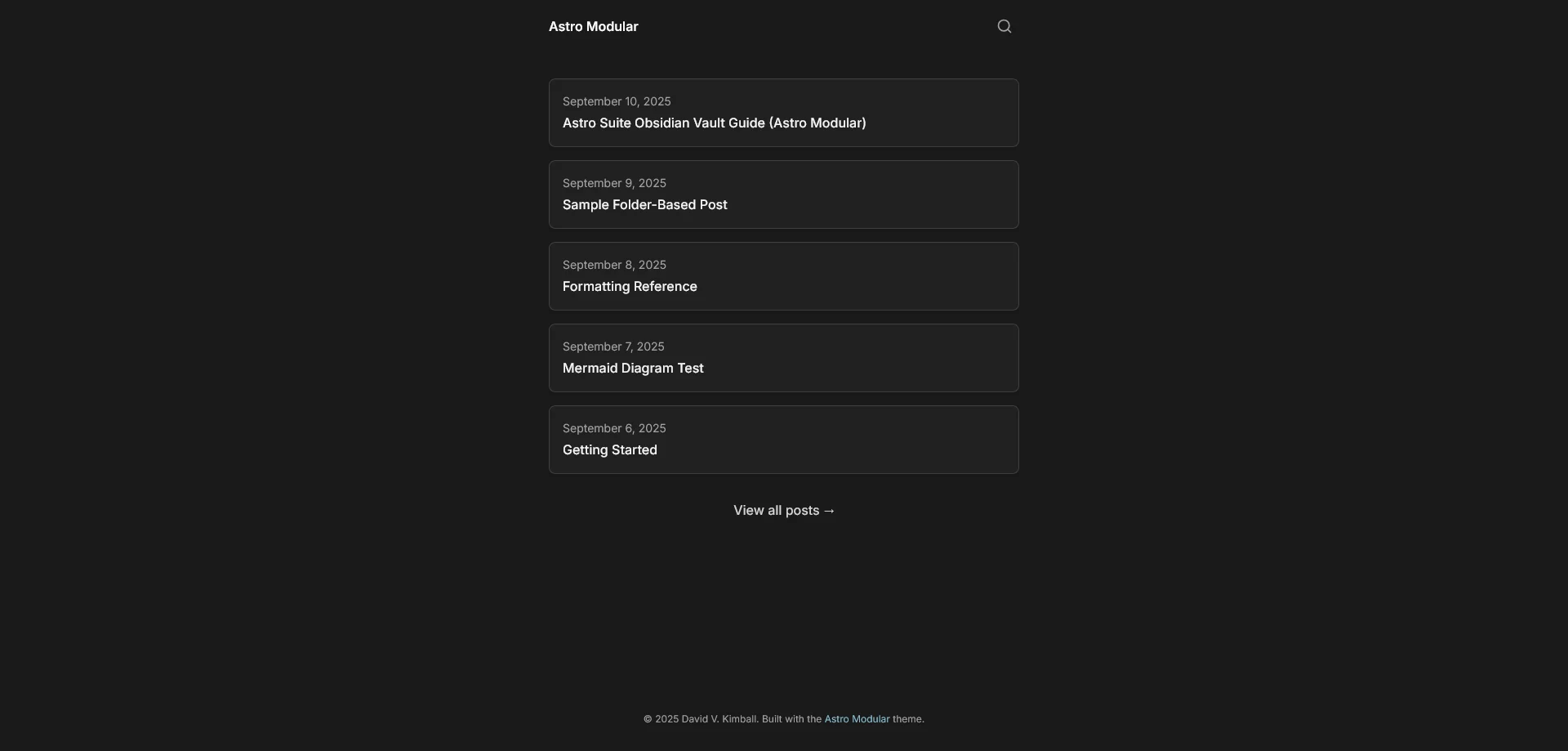
This is a theme I created. Designed to be flexible and really look however you want. There’s a “minimal” preset you can use or you can go all-out and enable all of the bells and whistles.
The search icon on the top right can also be worked into a command palette. It’s a snappy way to get to content quickly.
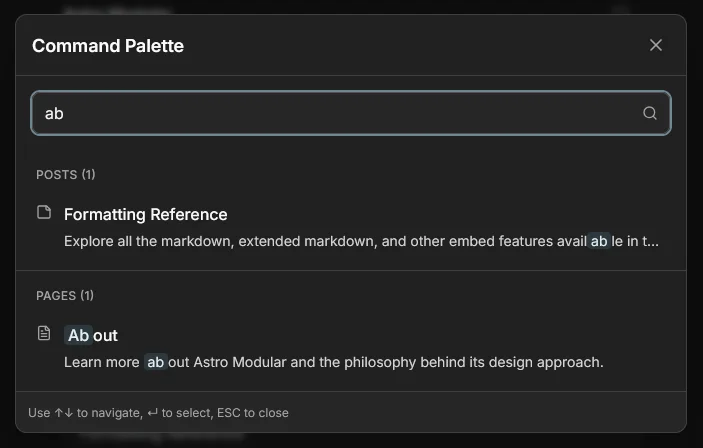
It has native Vault CMS integration and optional features that work natively with Obsidian like graph view.
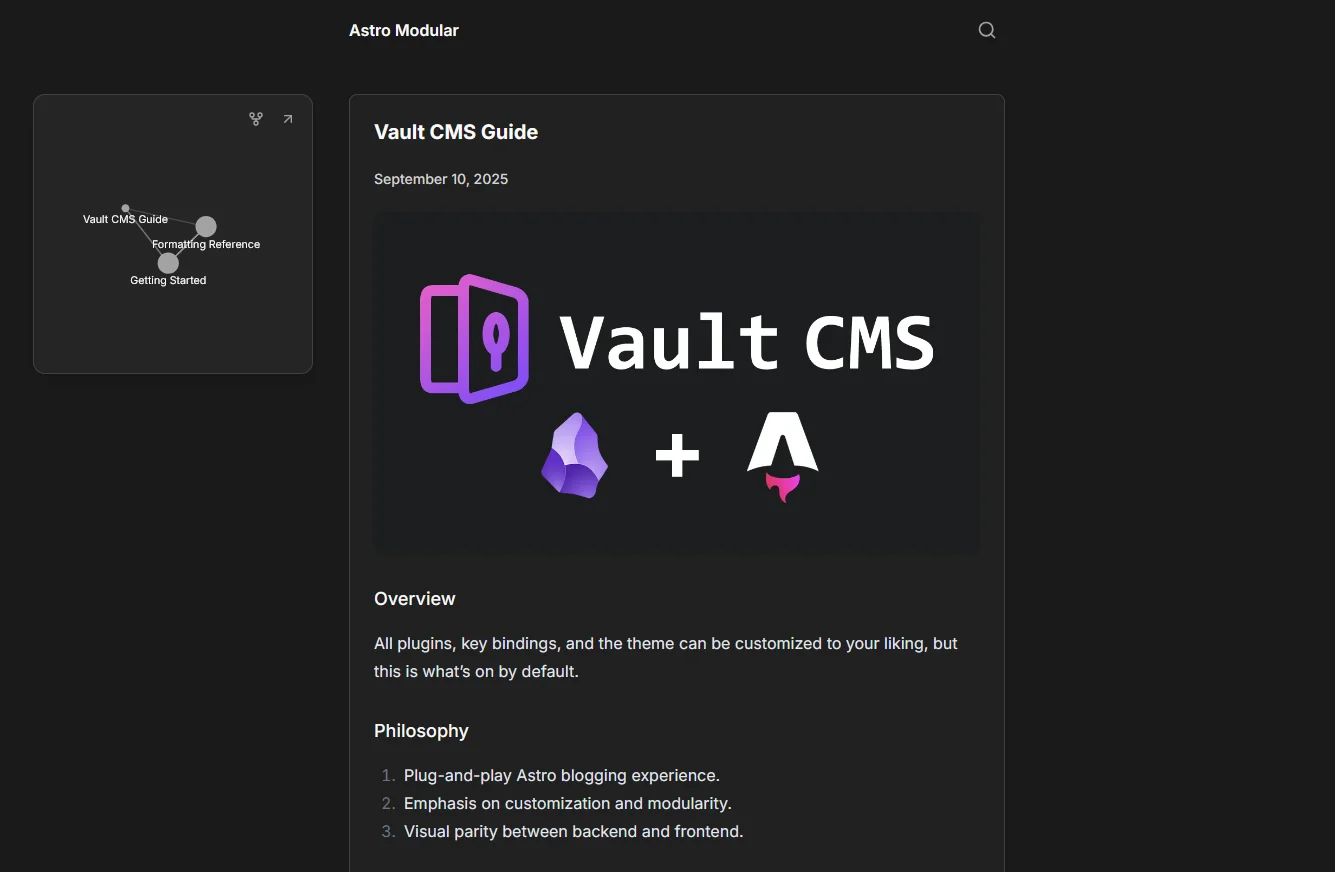
If you’re looking for complete customization and flexibility, this is one I highly recommend. Especially if you like using Obsidian.
Astro Nano / Astro Micro
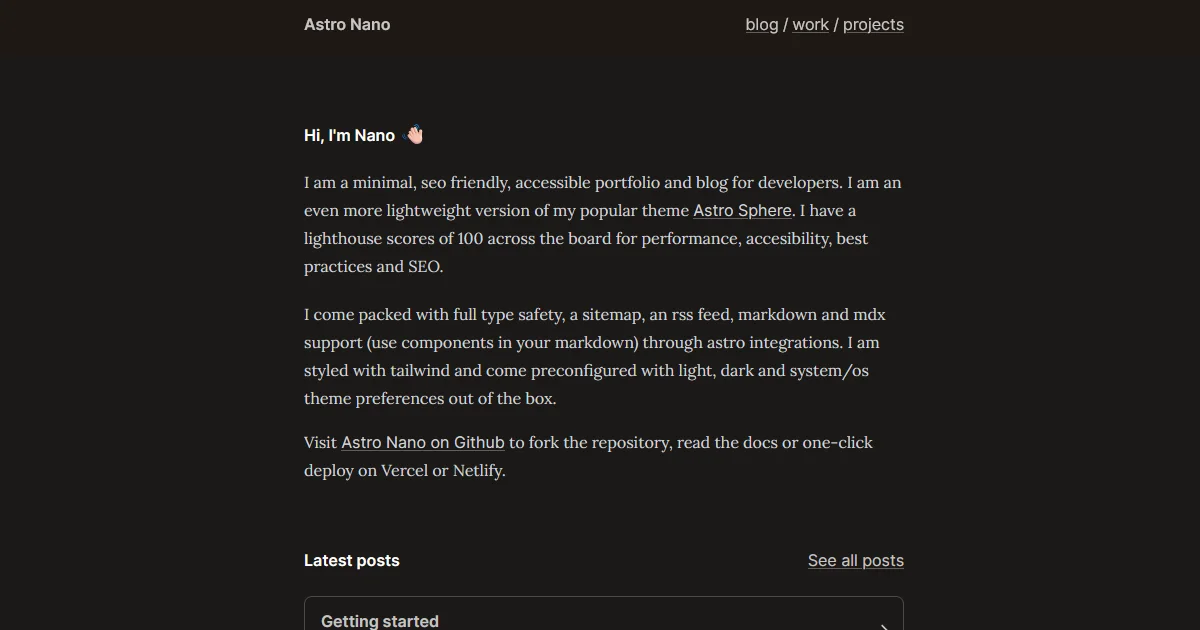
This theme gives you a little bio, latest post section, a work experience section, and a recent projects section on the main page.
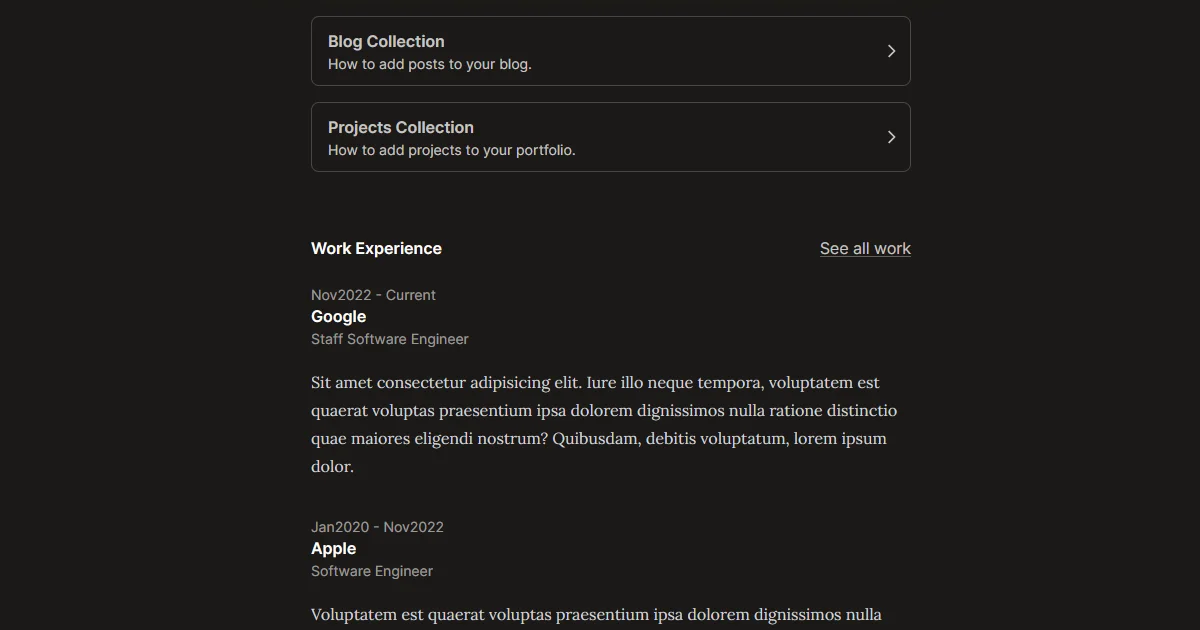
Each project works sort of like a blog post as separate items.
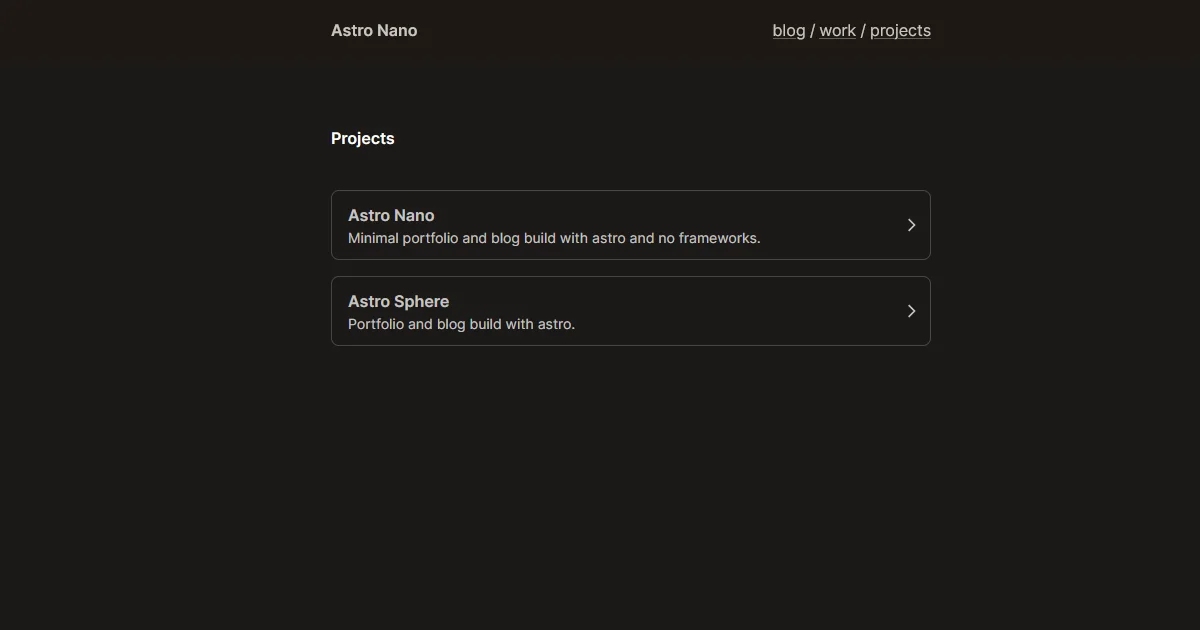
I particularly enjoy the subtle pop-in effects when a page loads, it’s elegant without being overbearing.
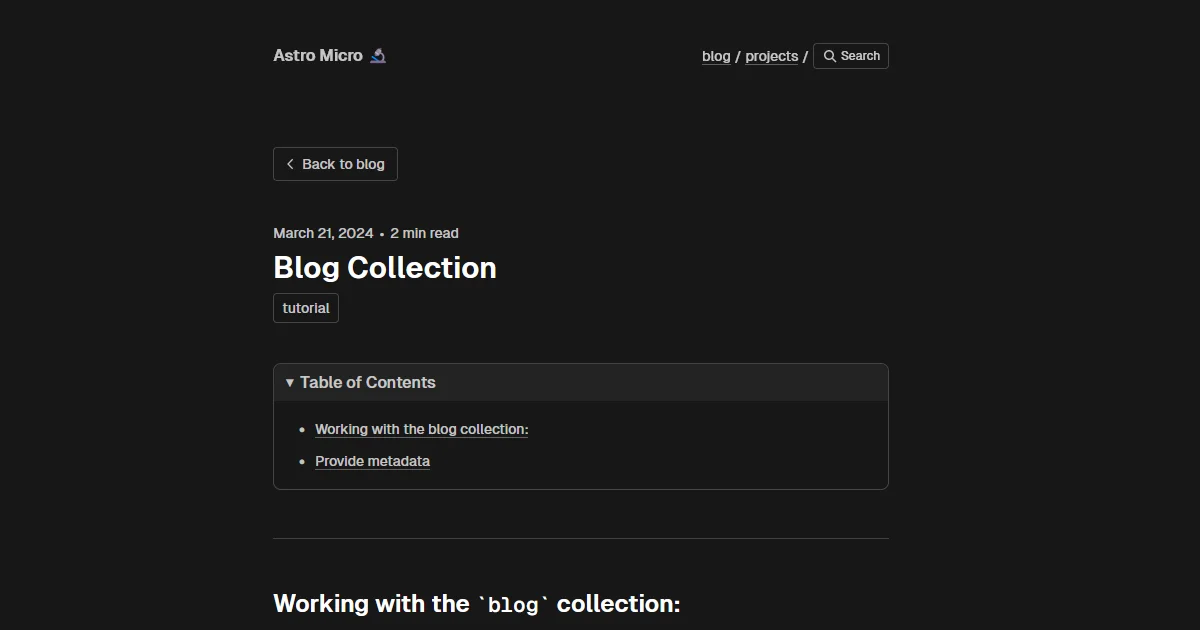
A fork of Astro Nano called Astro Micro adds a sleek quick search function (via Pagefind) and also has comments (via Giscus), although I think adding comments may take away some of the appeal of a minimal theme.
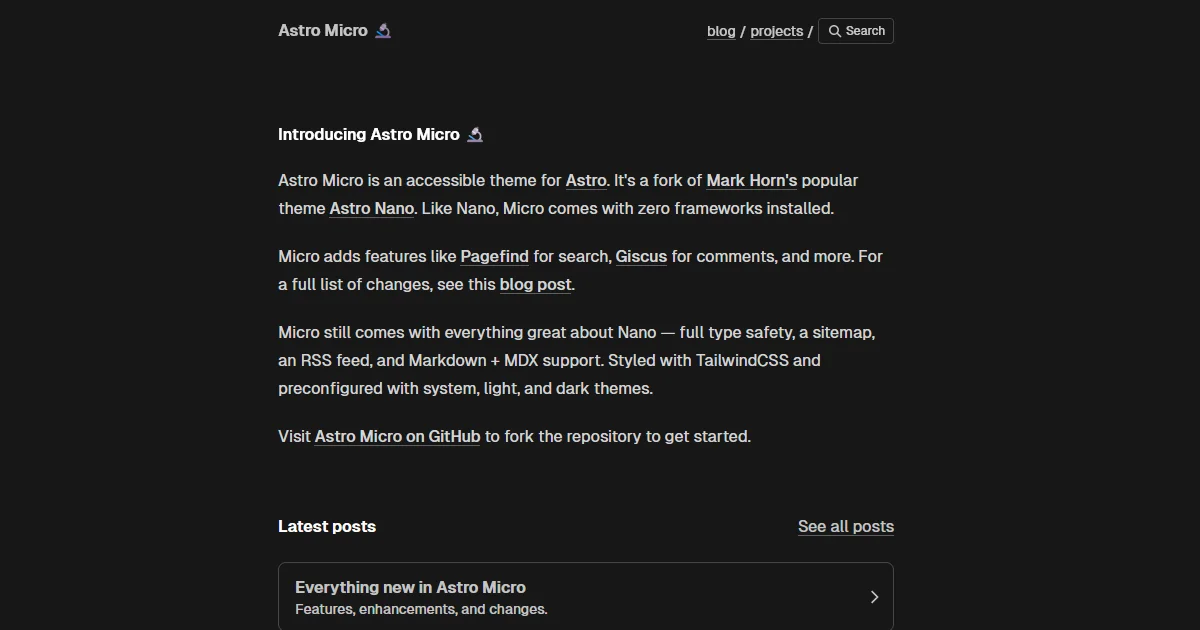
Nevertheless, it seems like the defacto version of the design.
Minimal
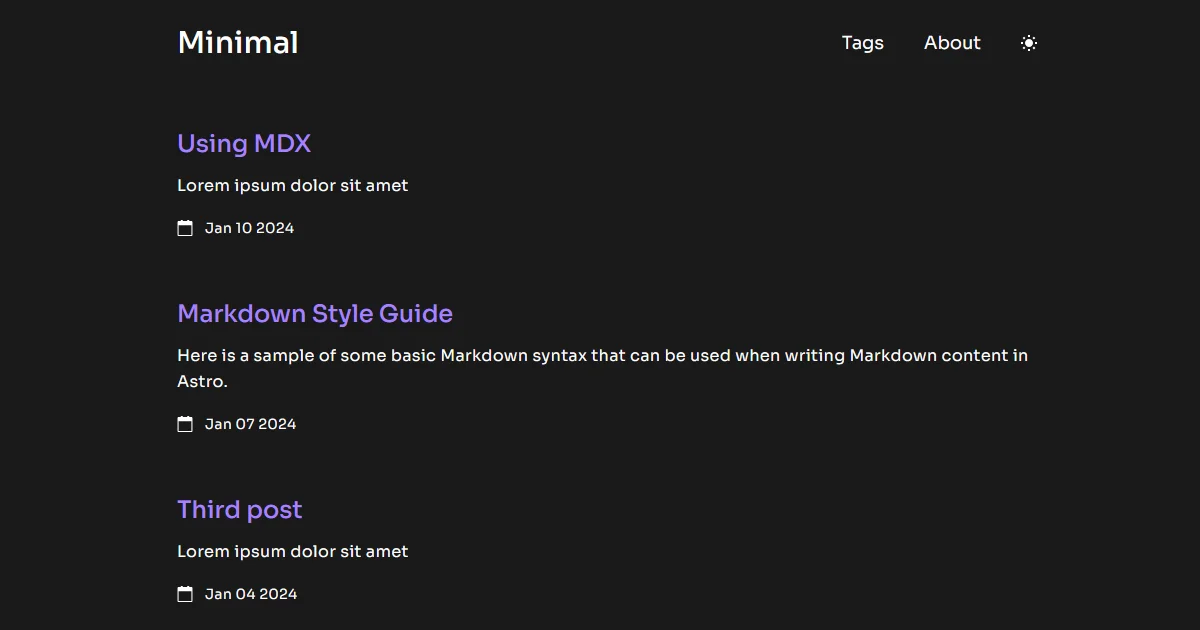
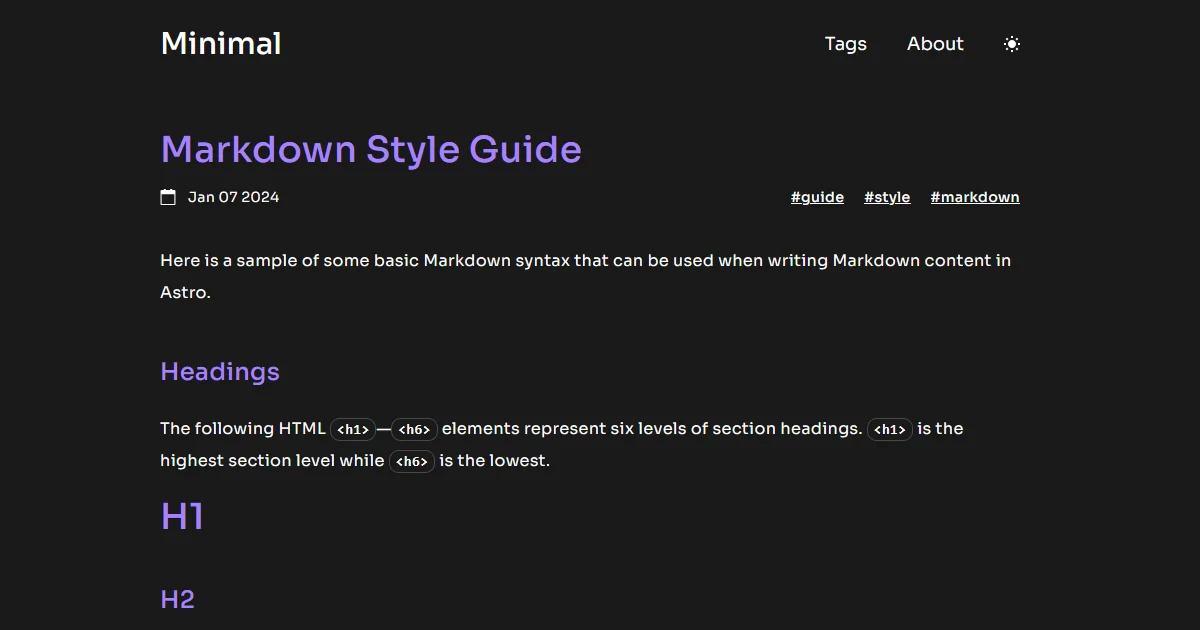
What I love about this theme is how Obsidian-like it feels. From the typeface choices to the purple highlights, it just feels like it’s something straight from the Obsidian team. In fact, it’s not dissimilar from their CEO Steph Ango’s design.
Chiri
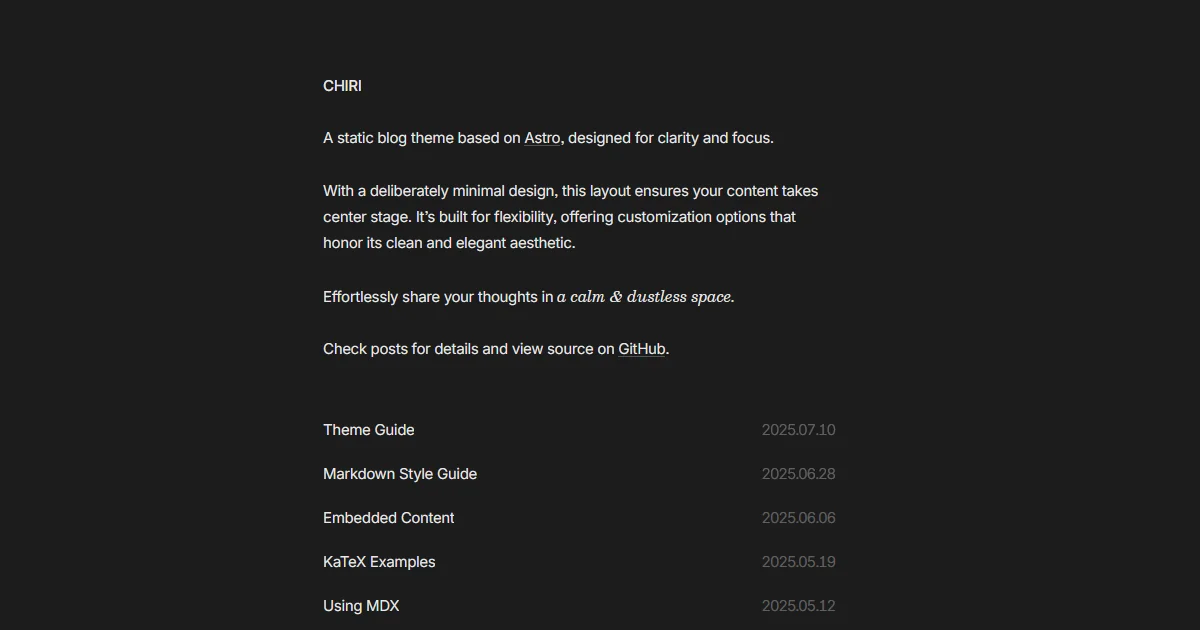
Chiri is great because it truly lets you focus on the content and not get distracted by fancy buttons or other visual distractions.
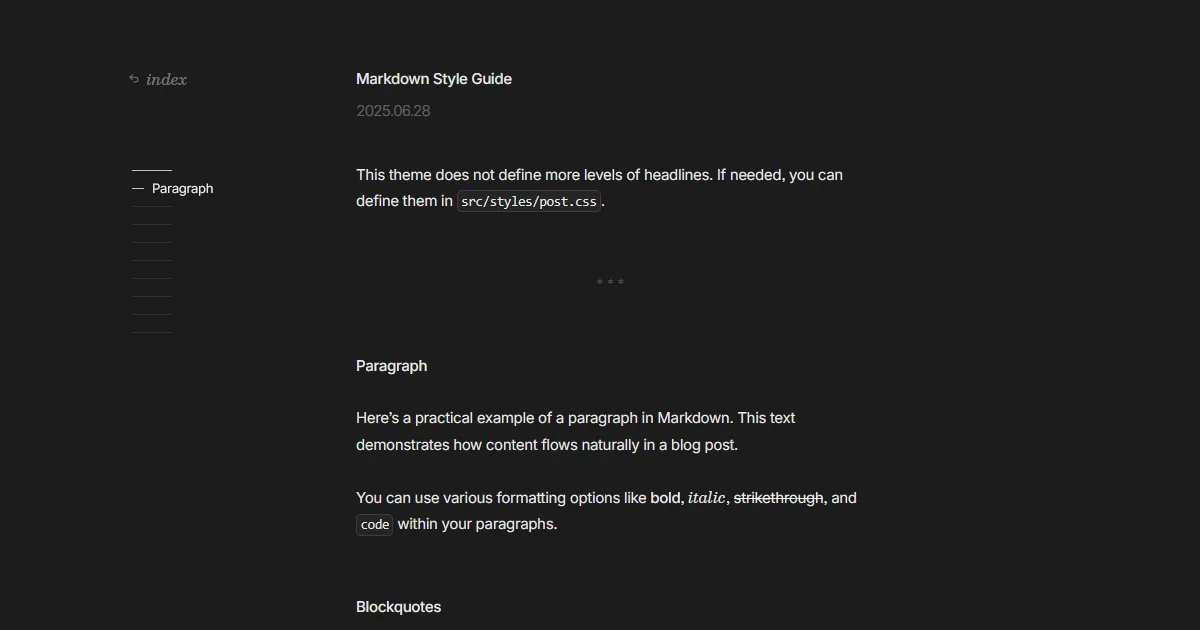
In particular I enjoy the hover effect on posts, and the snappy but subtle fade animations between page loads. It all feels very deliberate and premium.
Which One?!
There are lots of cool Astro templates to pick from, even beyond the minimal ones I mentioned here. Check out this huge collection of Astro themes. I’ve prefiltered the link to be just open source themes, but there are paid options as well.
Astro’s official website has their own collection of themes, too.
As for whether or not I’ll make a switch, I’m not sure yet. I’m definitely tempted.