6 Great Windows 8.1 Apps I'll Never Use
Other than new tile sizes and the Start button, Windows 8.1 boasts a lot of new features (especially on the back end). You can now snap apps half-and-half, have a multitude of new settings to choose from, and there are even some new default apps thrown into the mix (also with UI overhauls to already-existing apps).
My Windows 8 PC is either my laptop or desktop OS, and many of the “Metro” apps on Windows 8 are really more suited to a touch-enabled tablet. So this brings me to the new apps that are pretty cool, but I just don’t think I’ll end up using…
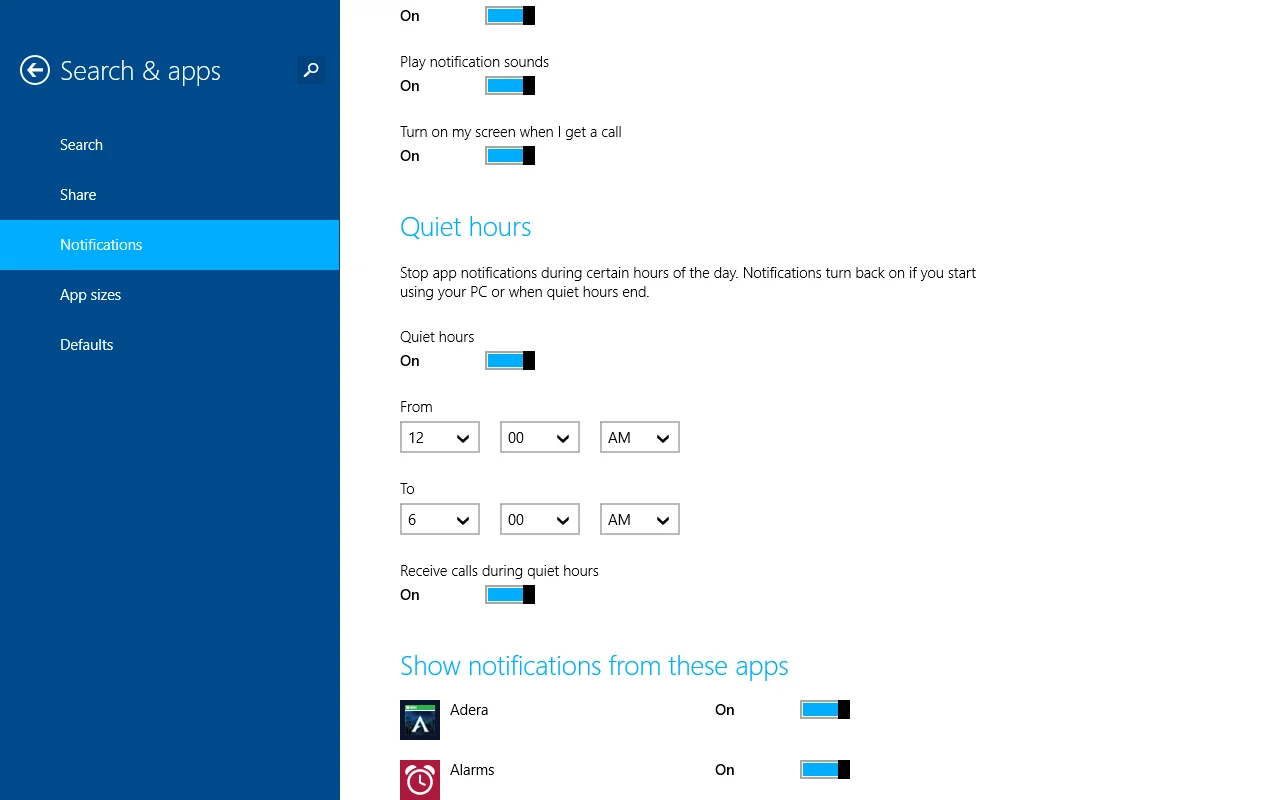
1. Alarms: While this is a useful application in theory, my phone is my chief notifier for the most part. I don’t see the point in creating more sets of alarms on multiple devices.
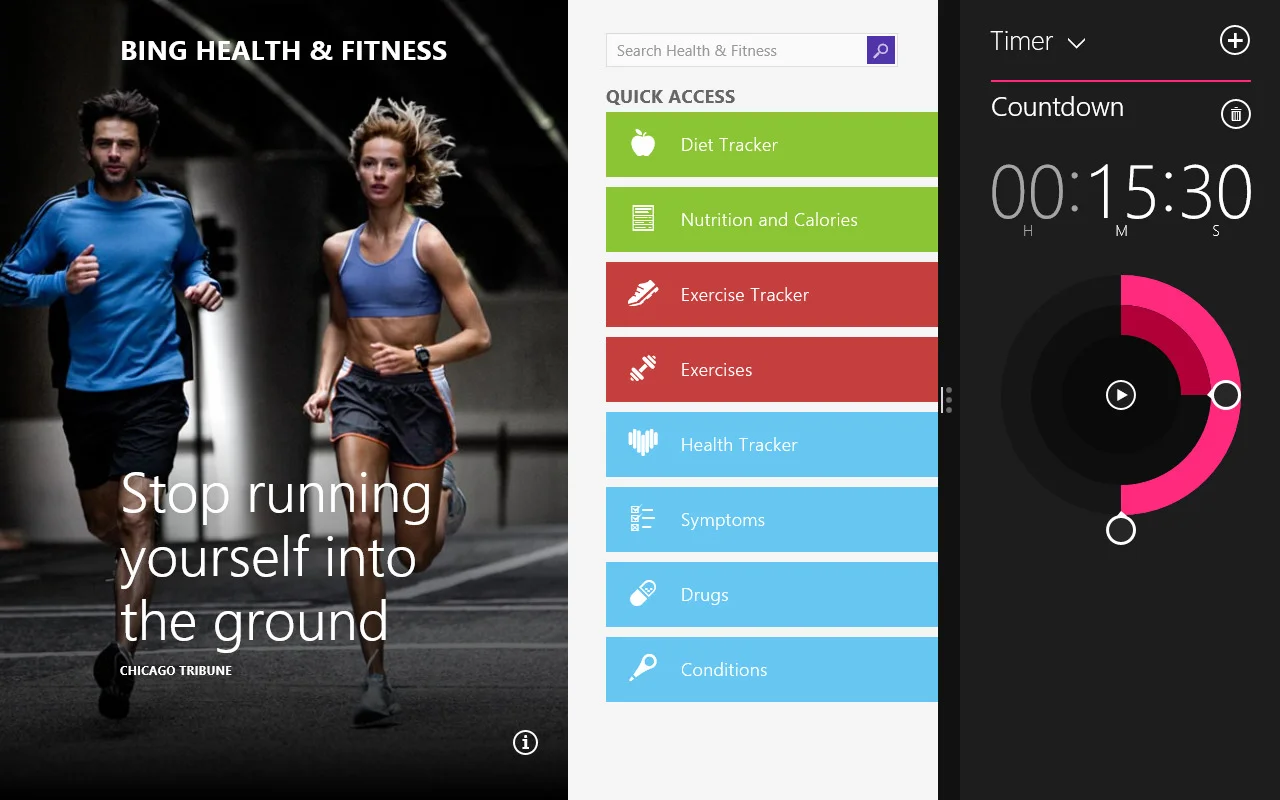
2. Bing Health and Fitness: An excellent service with helpful exercising tips, a fitness tracker, and a TON of other features, but something I’ll never likely use…
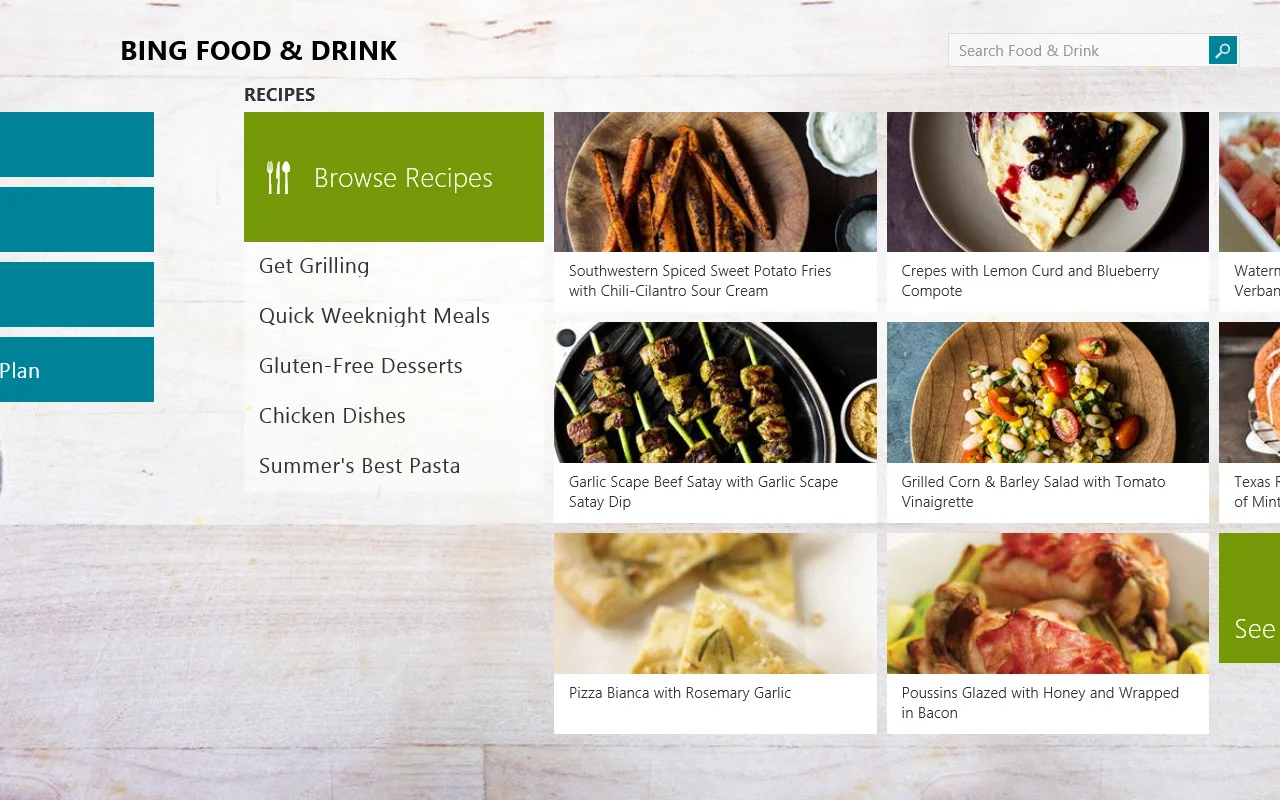
3. Bing Food and Drink: An awesome application for any kind of cooking. It’s filled with recipes, pictures, techniques, and world-renown chef bios. But cooking isn’t really my thing, so I’ll be passing on this one, too…
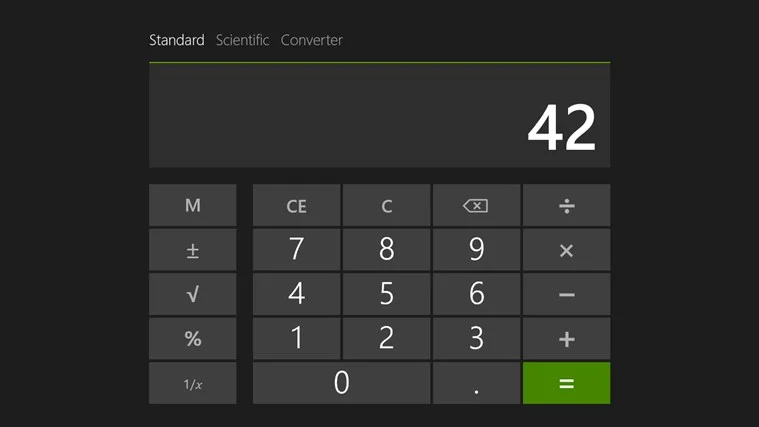
4. Calculator: Didn’t…we already have this? So now when you search “Calculator”, now two apps come up in the search results. The legacy desktop calculator app, and the new metro one…Awkward?
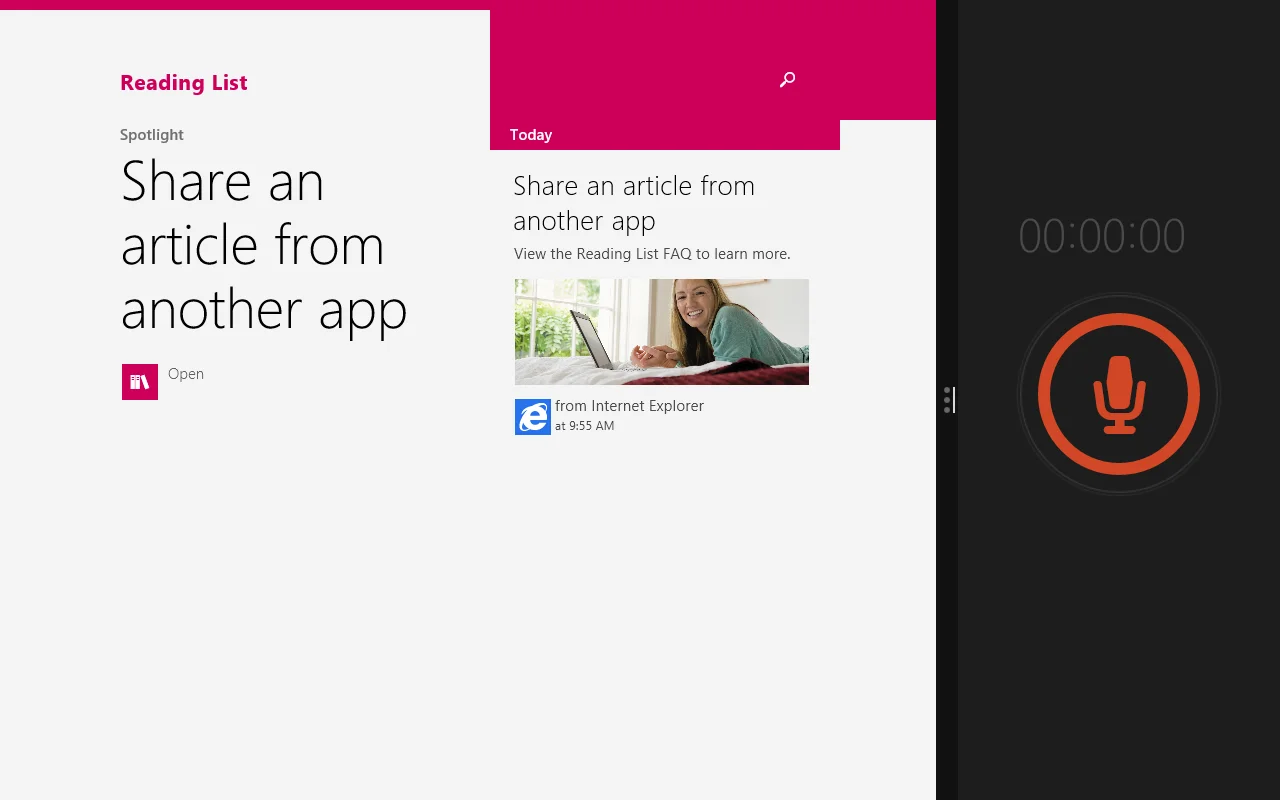
5. Reading List: Likely an alternative to Instapaper and/or Read It Later (Pocket is what it’s called now). But…I don’t do most of my reading in the metro-app environment. So this isn’t particularly useful for me.
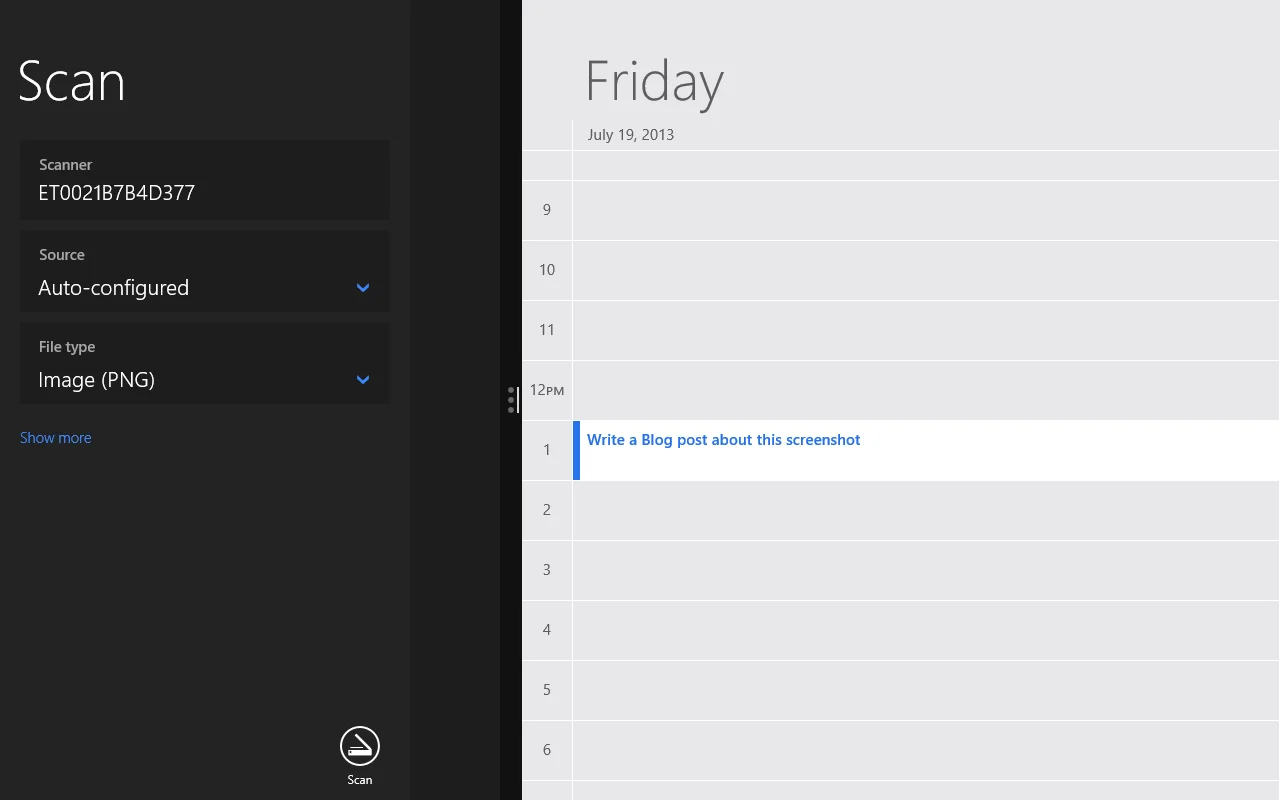
6. Scan: I wouldn’t use a metro app to scan something. I’d use the desktop side.
I suppose my qualm with the metro applications are that…they are just built for touch. While they’re beautiful, insanely intuitive, and are PACKED with features, I just prefer using a desktop/laptop OS!
That being said, I don’t hate Windows 8’s Start screen at all. I see it as a beautiful way to display your favorite programs/apps, and the desktop can stay clean that way. And no, I do not believe the metro side of Windows 8 interferes with the desktop side. I think they can continue to coexist just fine.
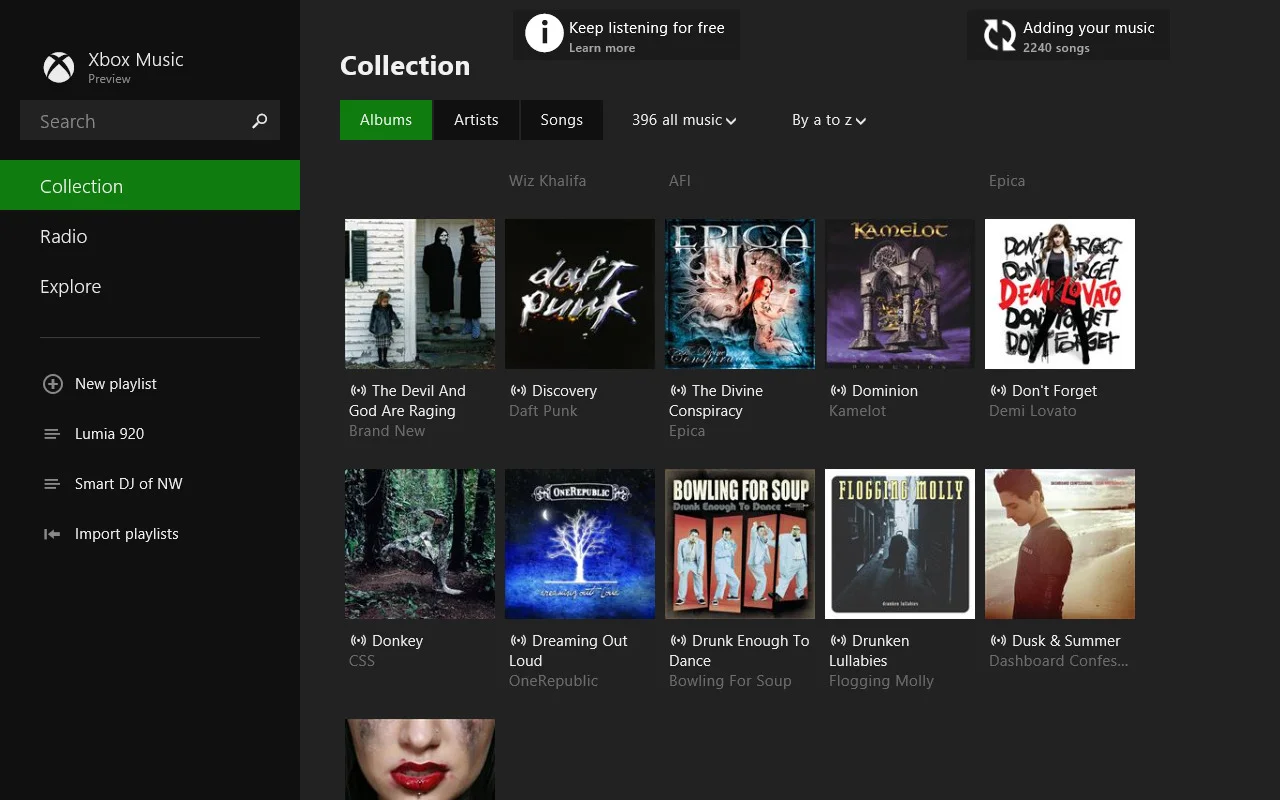
I included a screenshot of Xbox Music because it’s much better now, thankfully.
What is your opinion on Windows 8 or Metro apps? Have you tried 8.1 yet?