The Best Clockwise Alternative: Sync Your Calendars
Clockwise announced it’s winding down, and a lot of people are scrambling for replacements. I was a Clockwise user too, and after some tinkering I found a Clockwise alternative that actually works better for my needs. Hopefully it helps you!
The Problem
I have two Google accounts: a personal one (Gmail) and a work one (Google Workspace, @lilagents.com). I need people booking time with me (clients, teammates, friends, really anyone) to see my actual availability without me manually blocking things off.
Clockwise solved part of this. But it was also doing a lot I didn’t need, and when it shut down I realized the core thing I depended on was simple: keep my calendars in sync so my availability is always accurate.
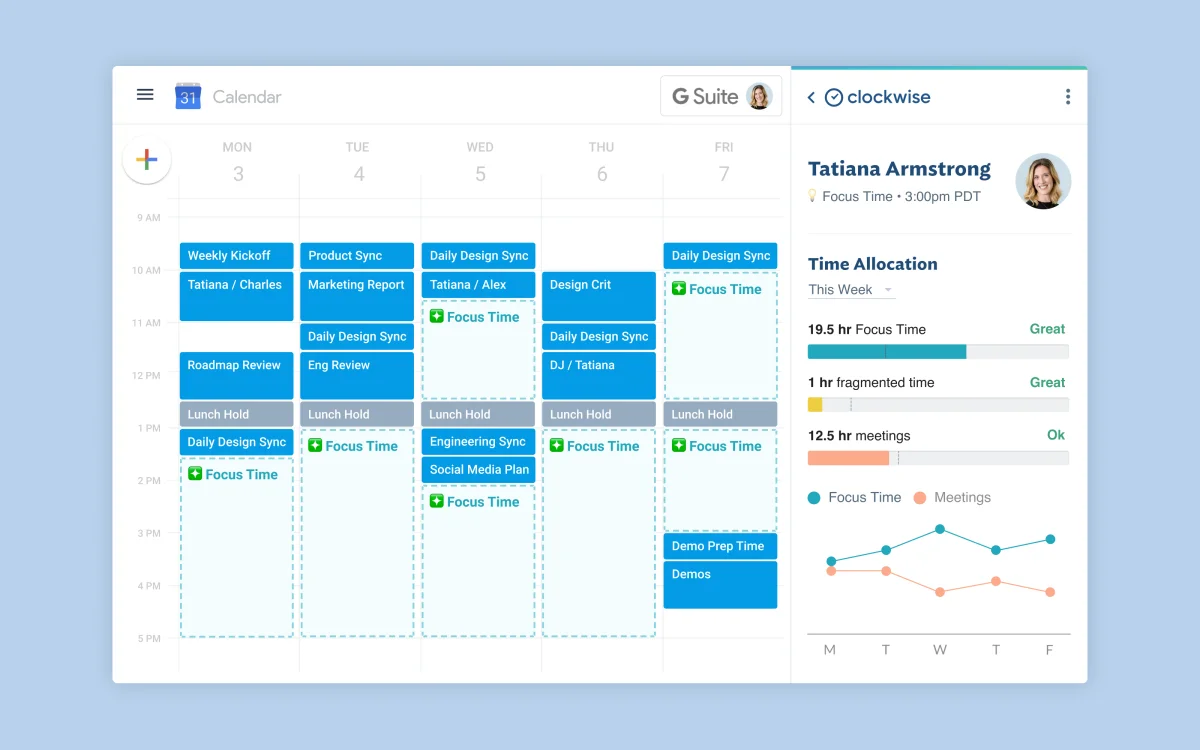
Layer 1: Calendar Sync
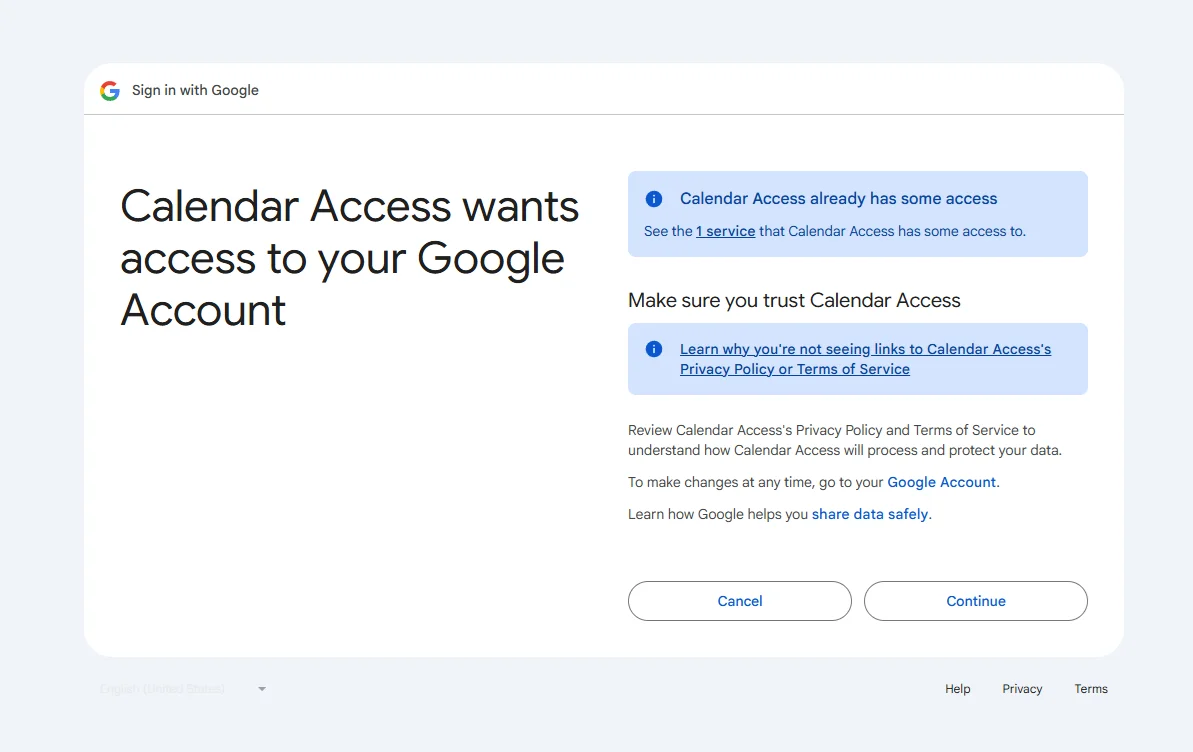
I built a small Python script that runs every 30 minutes via GitHub Actions. It reads all “busy” events from my personal Google Calendar and creates “(Busy)” placeholder blocks on my work calendar. No event titles or details get copied, just the time slots.
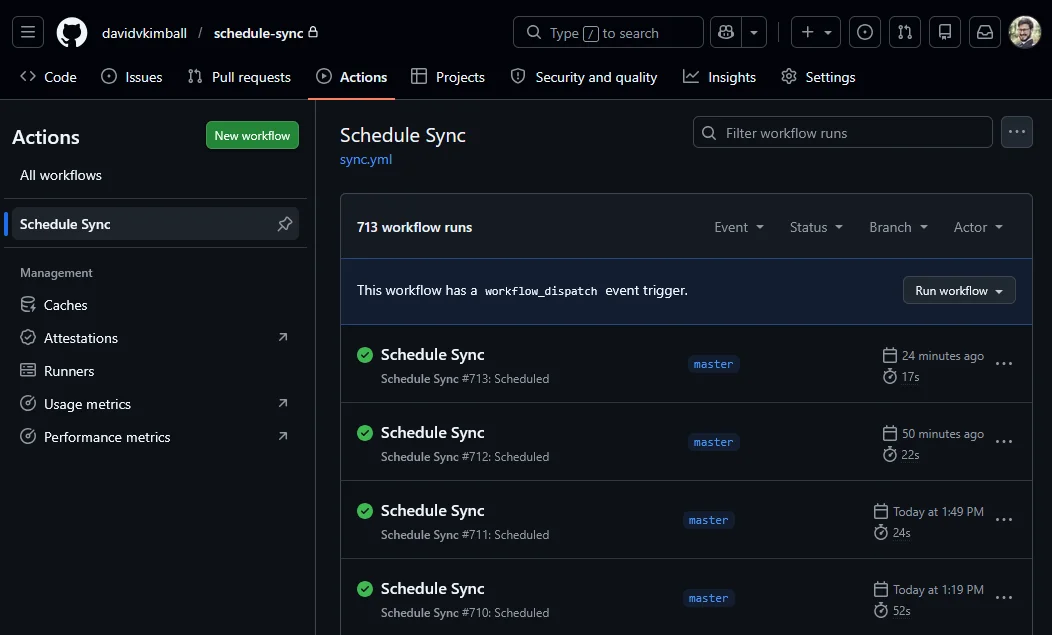
The Python script:
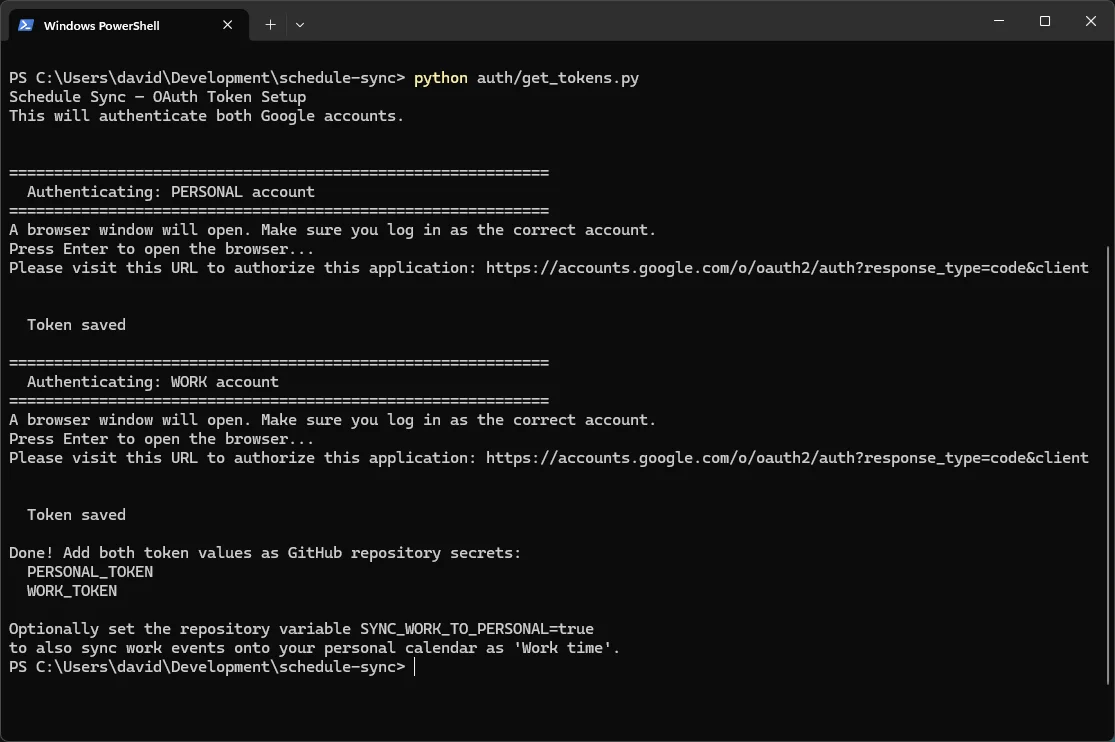
When I move, cancel, or change a personal event, the blocks update or disappear on the next run. It tracks which blocks it created using Google Calendar’s extendedProperties, so it never touches events it didn’t make.
Total cost: $0.
If you don’t want to roll your own, ScheduleSync looks like it does the same thing as a hosted service. I haven’t used it myself, but the pitch matches: connect multiple Google Calendars, sync availability without leaking details.
Layer 2: Scheduling Links With Cal.com
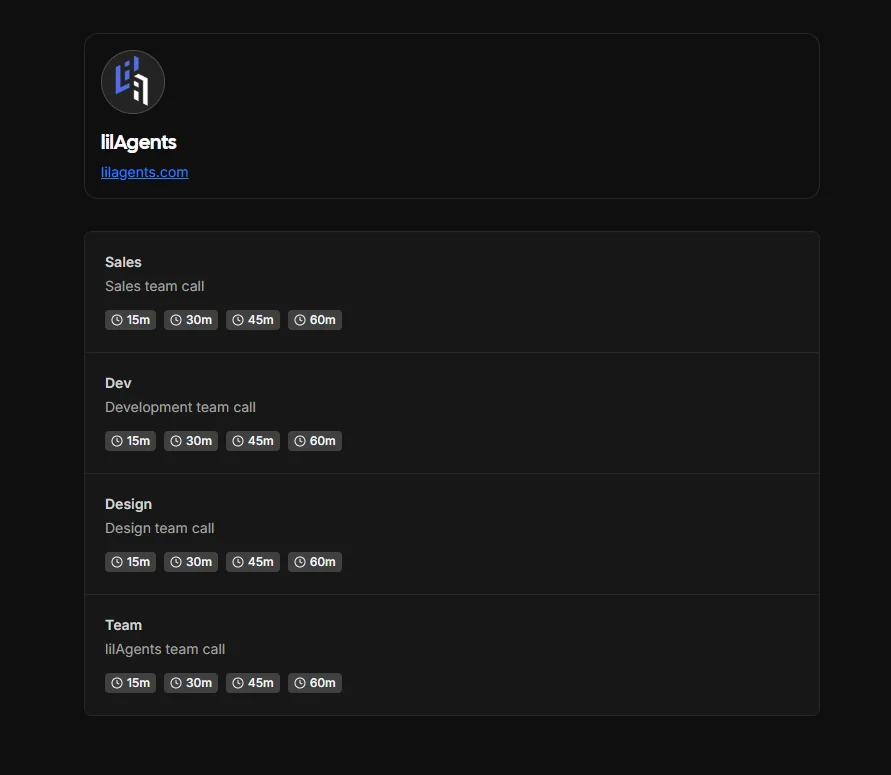
I use cal.com for both my personal and work scheduling. One instance connects to my personal Google account, the other to a shared lilAgents Workspace account. Both see the same availability because of the sync layer above.
Layer 3: The Team Scheduling Hack
Google Workspace’s basic plan only gives you one scheduling link per user. That’s annoying when you’re a small team and want different booking pages for different needs.
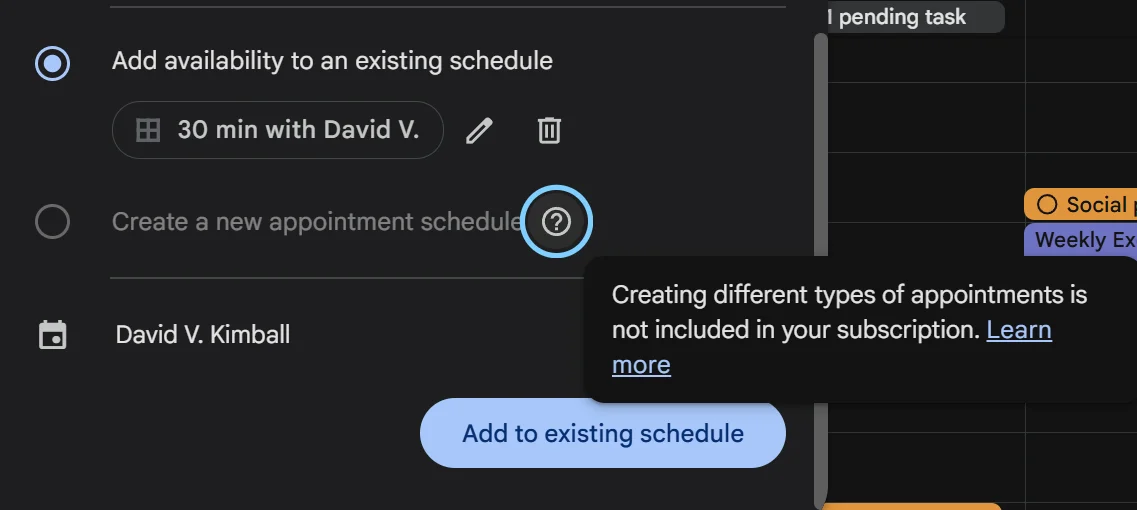
My workaround: I connected cal.com to an admin Workspace account that has a shared booking calendar visible to the whole team. The event types use keywords in the title: “Sales,” “Dev,” “Design,” “Team.” A Zapier automation watches that calendar every 15 minutes, parses the title for those keywords, and adds the right people to the invite.
Someone books a “Sales Team” call, me and our account manager get added. “Dev” goes to me and our CTO. “Design” gets our creative director and myself. “Team” gets all four of us. The shared calendar is the source of truth, so even within the 15-minute polling window the chances of getting double-booked are low because the time is claimed the moment it’s booked.
The Full Stack
| Layer | Tool | Cost |
|---|---|---|
| Calendar sync | Custom Python script on GitHub Actions | Free |
| Personal scheduling | cal.com (personal account) | Free tier |
| Work scheduling | cal.com (Workspace account) | Free tier |
| Team routing | Zapier + shared Google Calendar | Free tier |
Another case of finding a free way to get a premium service.
(My colleague Dylan calls this D.A.P.: David-Approved Pricing.)
Was Clockwise Worth It?
Yeah, when it worked it was useful. But looking back, the part I actually needed was way simpler than what Clockwise offered. I didn’t need AI meeting rearrangement or “flexible meetings,” I just needed my calendars to talk to each other.
If you’re looking for a Clockwise alternative, don’t overthink it. Figure out which piece you actually relied on and solve that one problem.